Sales Plan Summary
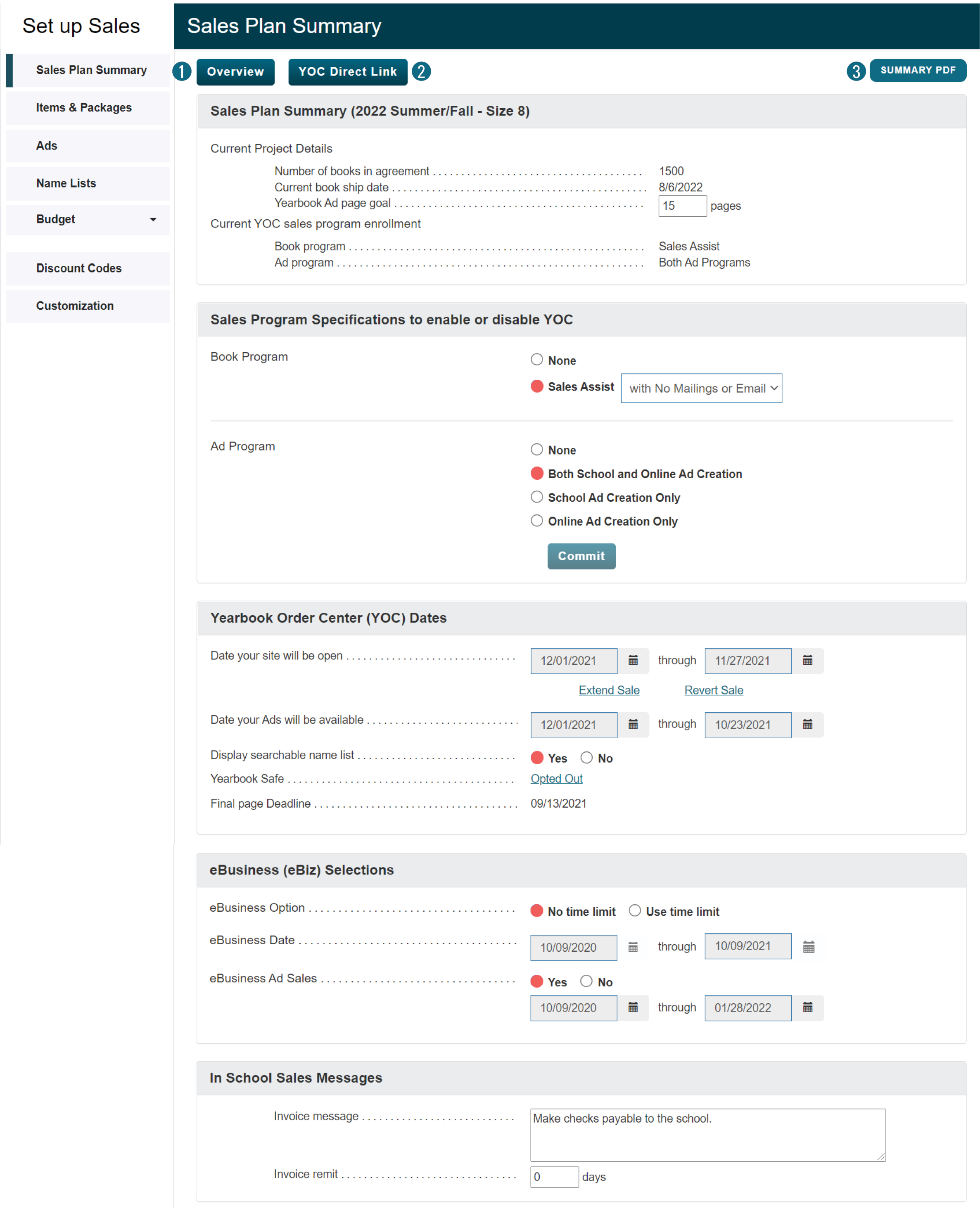
Before you can begin using eBusiness, set the dates for your sales, customize any messaging, enter yearbook sale items including personalization and other sale items, set up ad sale specifications and import a student name list.
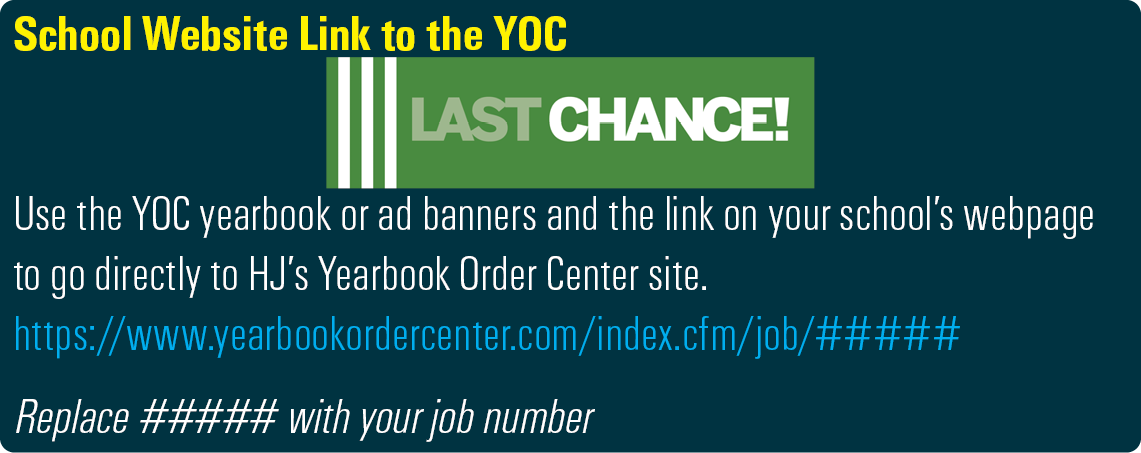
1. Sales Plan Summary: View your yearbook copies, ship date, and sale programs. Set the ad pages goal for easy monitoring. Create a link to your sales and choose from 14 different banners.
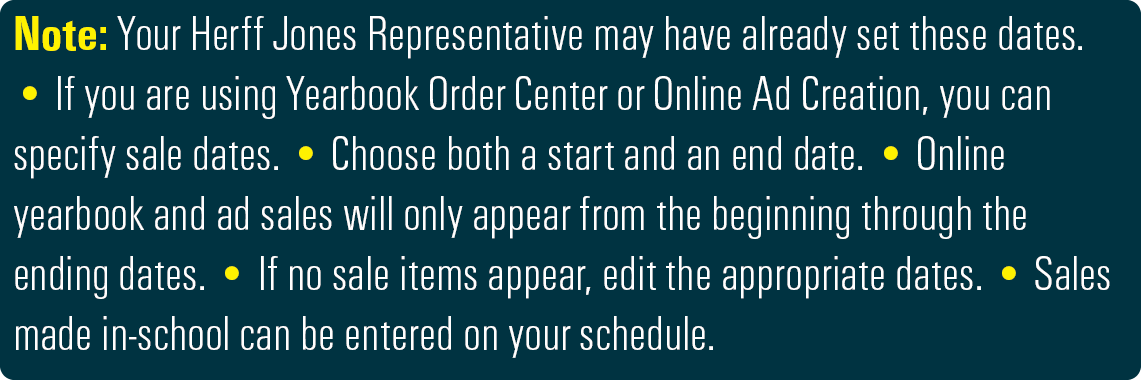
2. Yearbook Order Center (YOC) Dates: You have control of the start and end dates of your online sales. View previous years settings in Overview.
3. Save a PDF: Download your current settings as a PDF.