Yearbook and Ad Sales
Record a Sale
Edit Sales
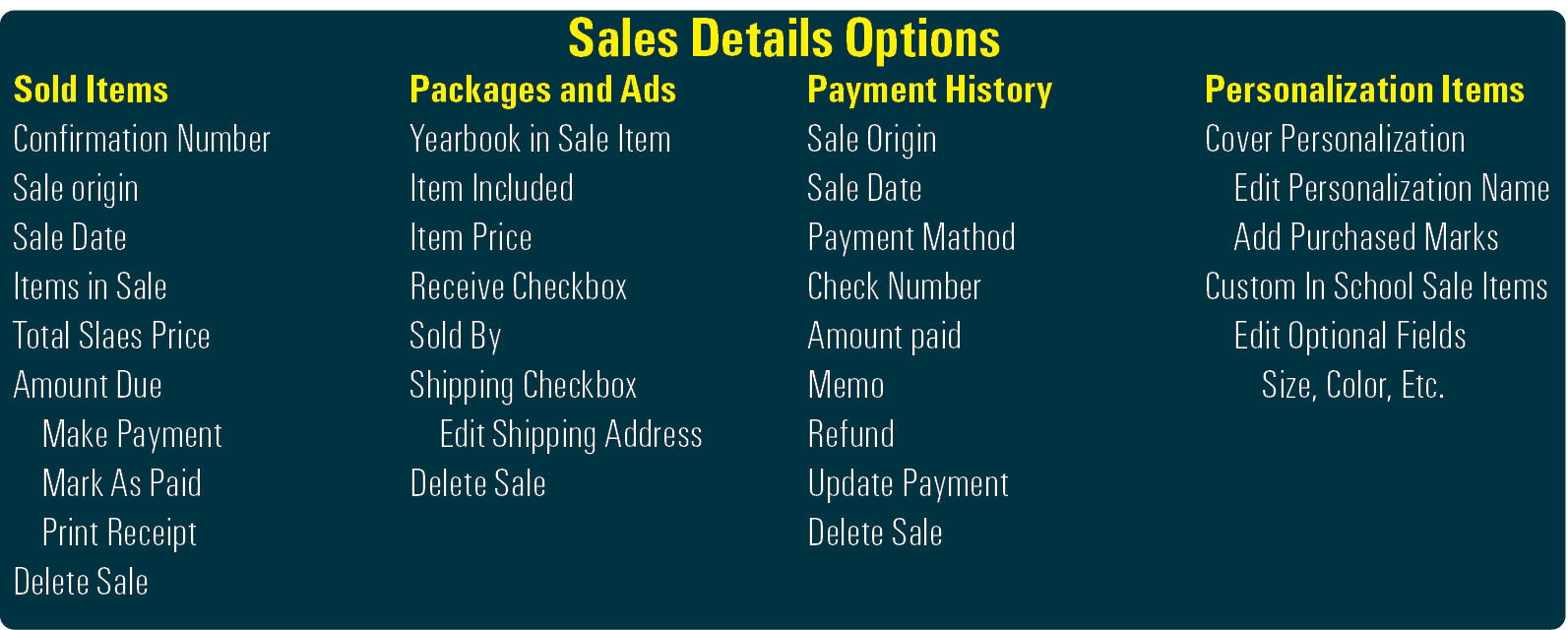
Sales Options
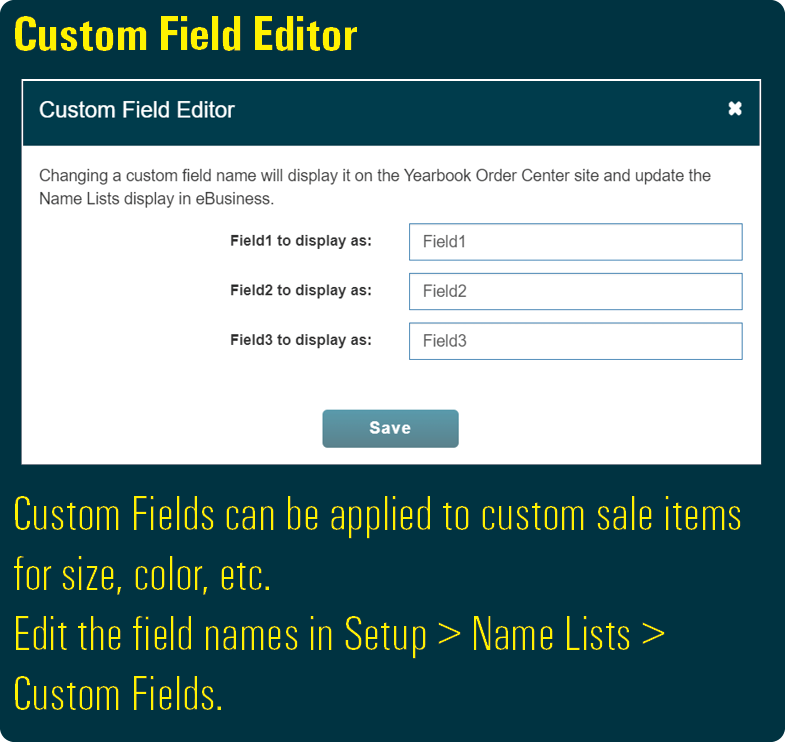
Custom Fields
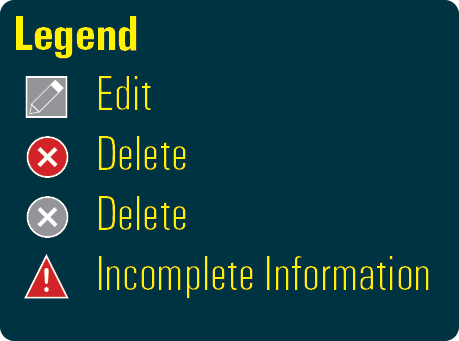
Legend
HJ eBusiness Sell is where you record package and ad sales, view and edit payments, enter personalization information. Also, online sales are automatically added to your eBusiness which can be viewed at any time.
To Record Sales:
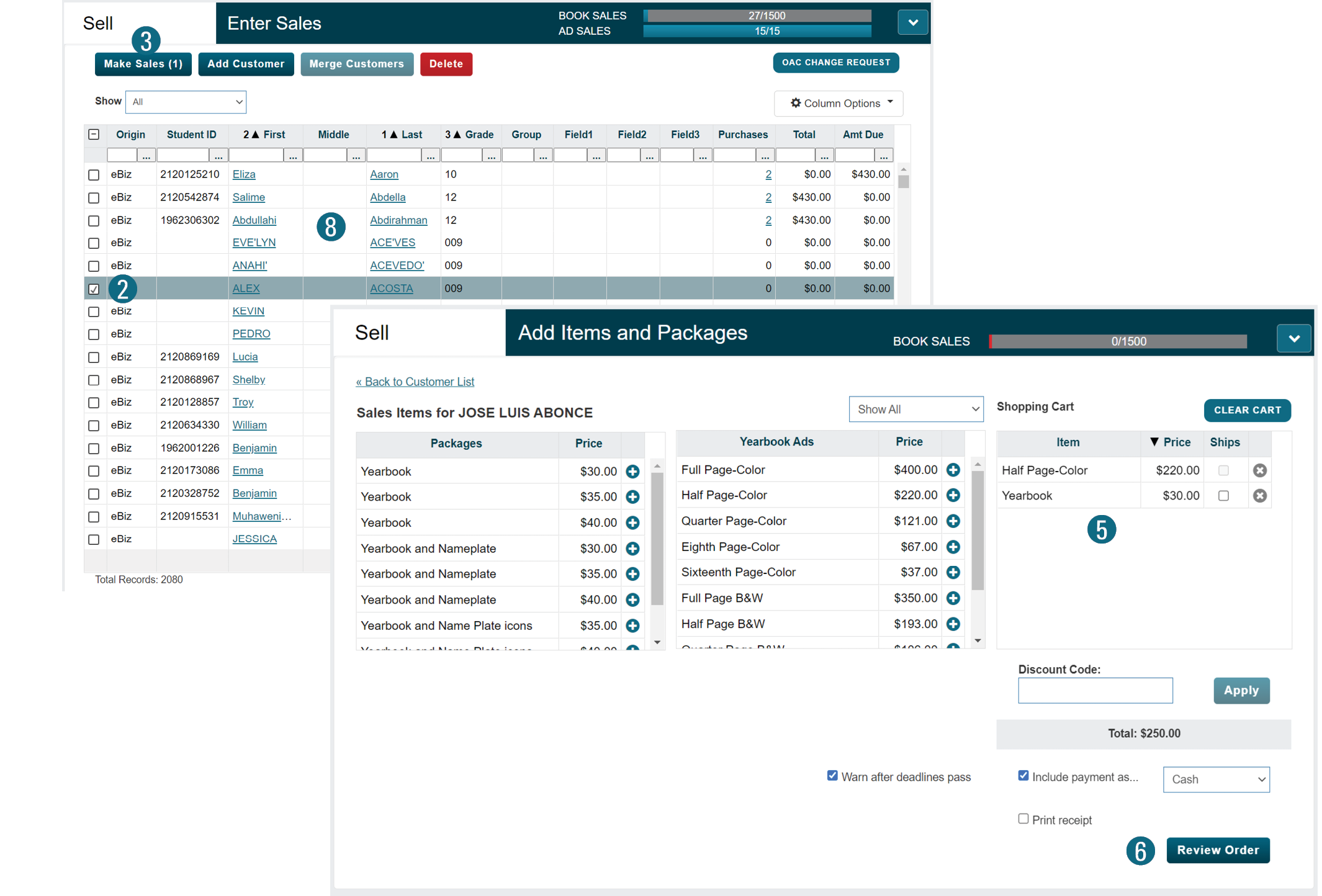
1. From the Sell menu, select Enter Sales.
2. Check the checkbox next to a student or business.
If the same sale will be applied, check multiple boxes.
3. Click the Make Sales button.
4. Click the next to the desired item or items.
5. Items will move to the Shopping Cart.
6. When complete, click the Review Order button.
7. Click the Submit Order button.

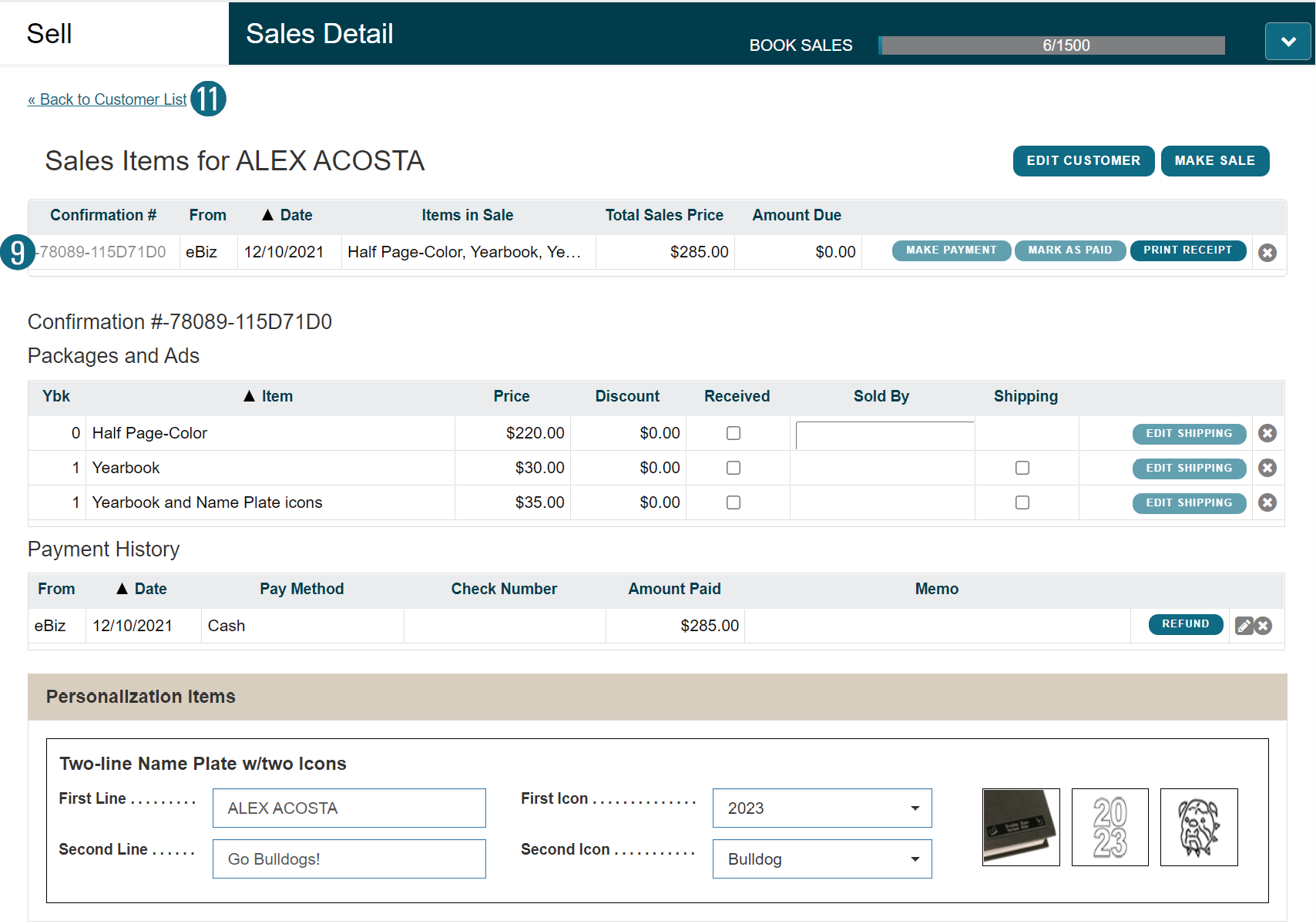
To Edit Sales:
8. Select the desired blue underlined name.
9. Click the desired button or the blue confirmation number.
10. Make the necessary edits.
11. Click Back to Customer List.
Recording Personalization Video: