Items & Packages
Setup Sales/Items & Packages
Import Last Year’s Items & Packages
Create New Items & Packages
Create Available Items
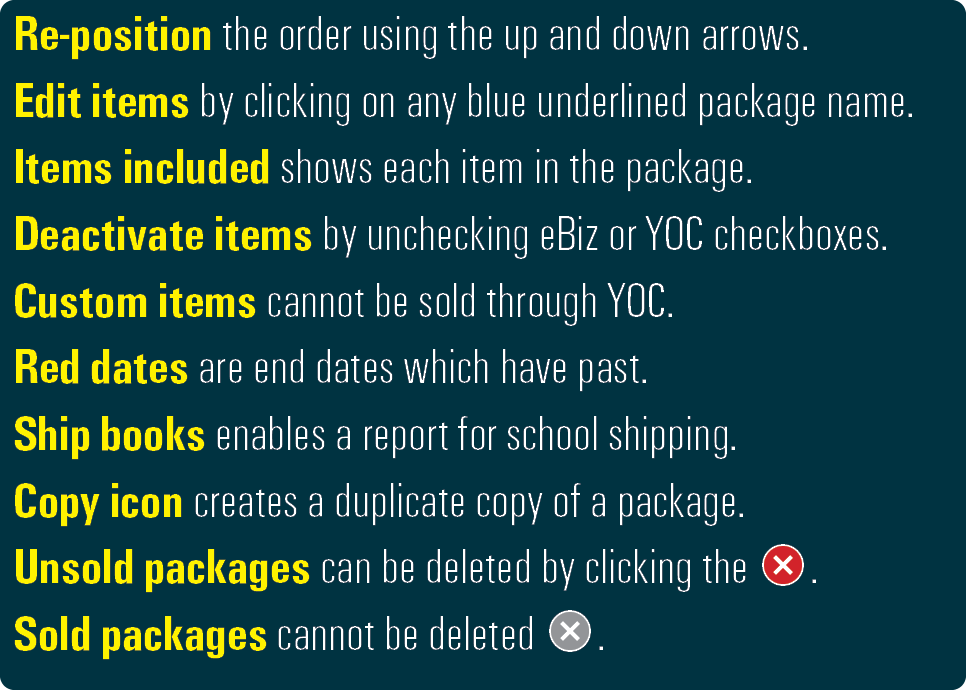
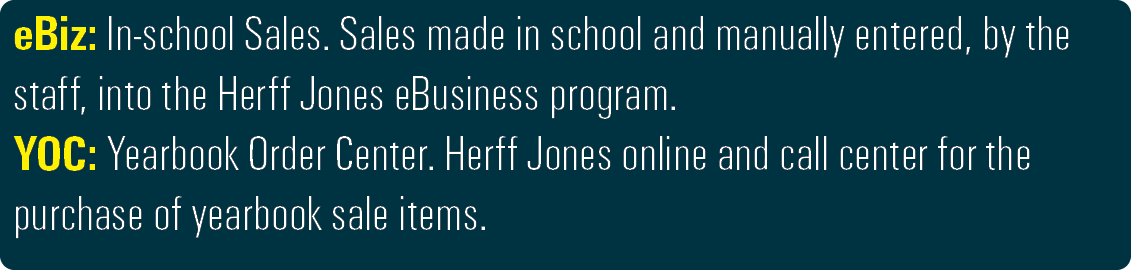

To Setup Sales/Items & Packages
Create a sale item for each item to be sold. Including the yearbook sold in packages or separately.
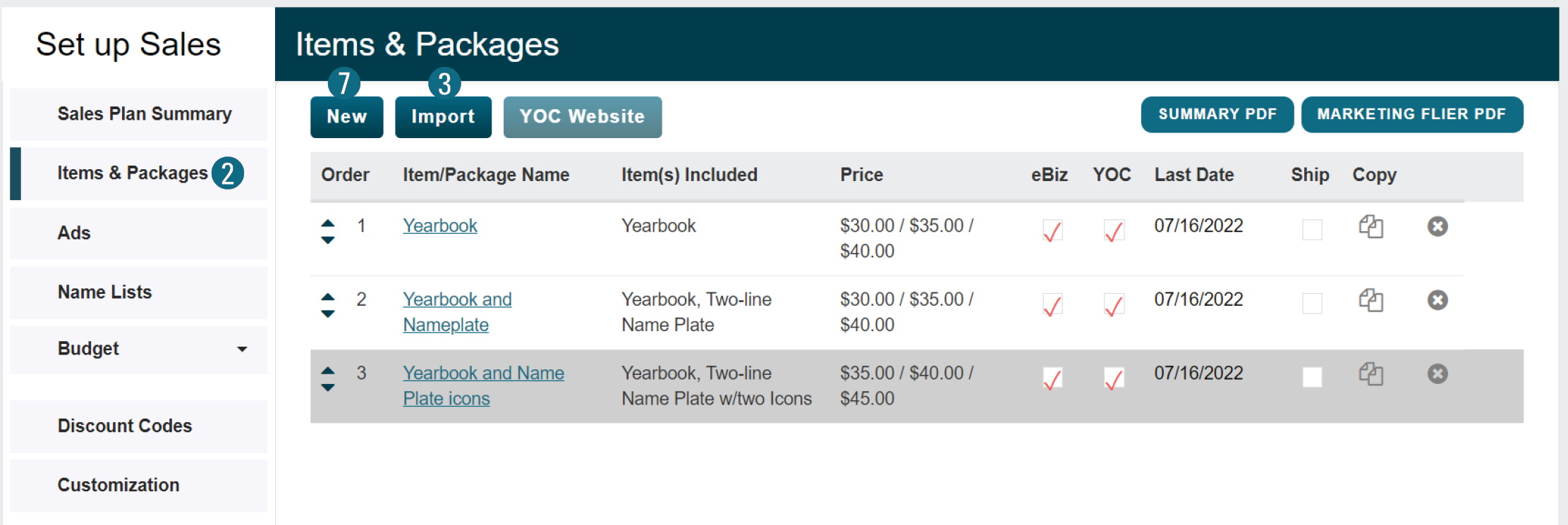
1. From the Setup menu, select Setup Sales.
2. Select Items & Packages.
To Import Last Year’s Items & Packages
If eBusiness was used in a previous year, import/edit those sale items.
3. Click the Import button.
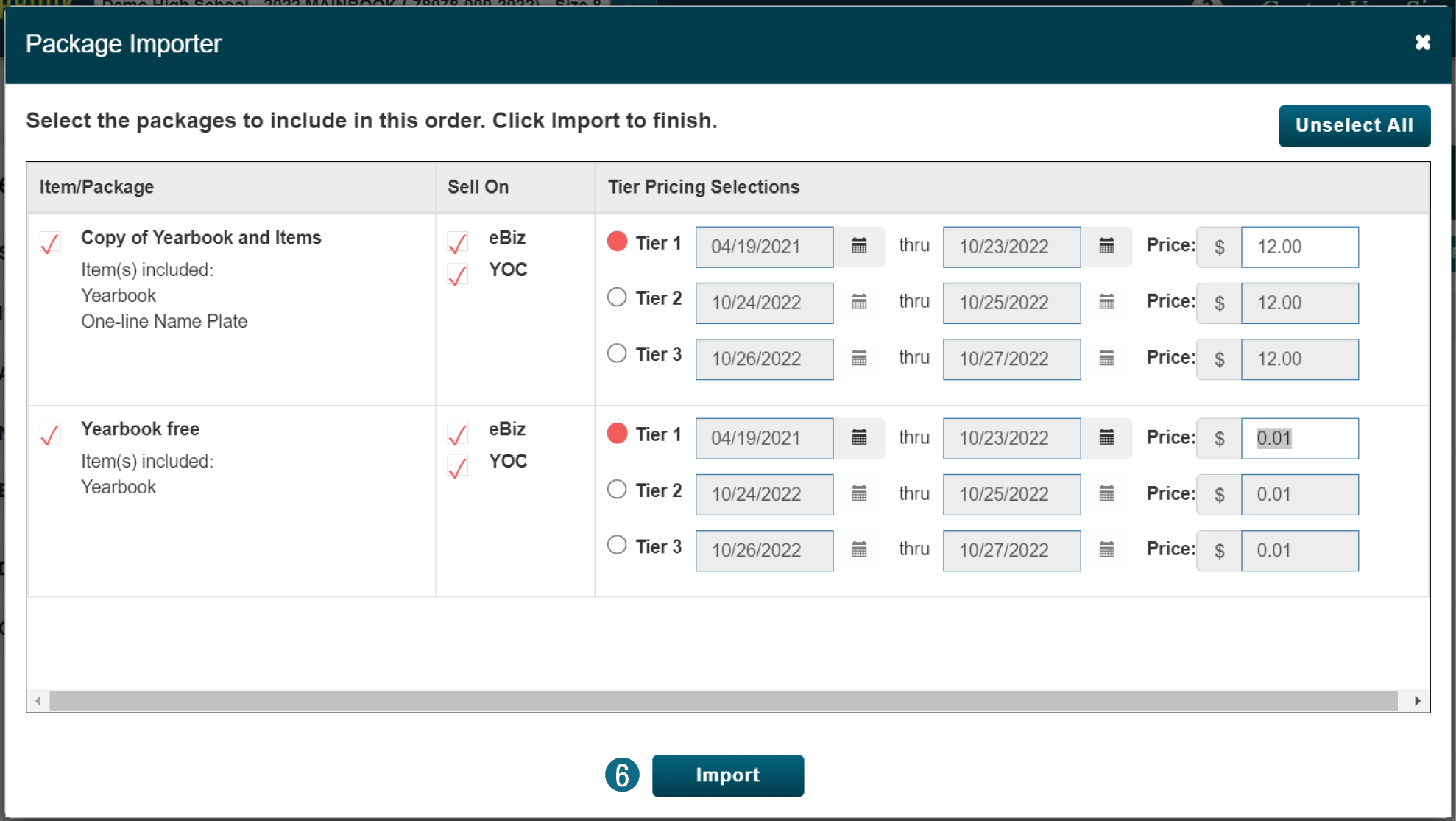
4. Check the box to the left of all necessary packages.
5. If applicable, click Select/Unselect All.
6. Click the Import button.
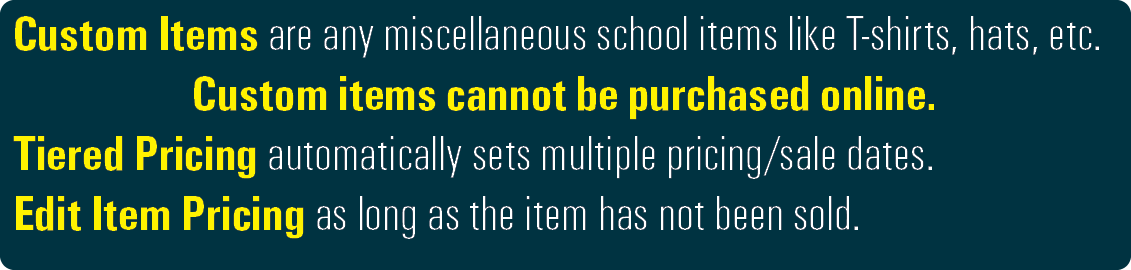
To Create New Items & Packages
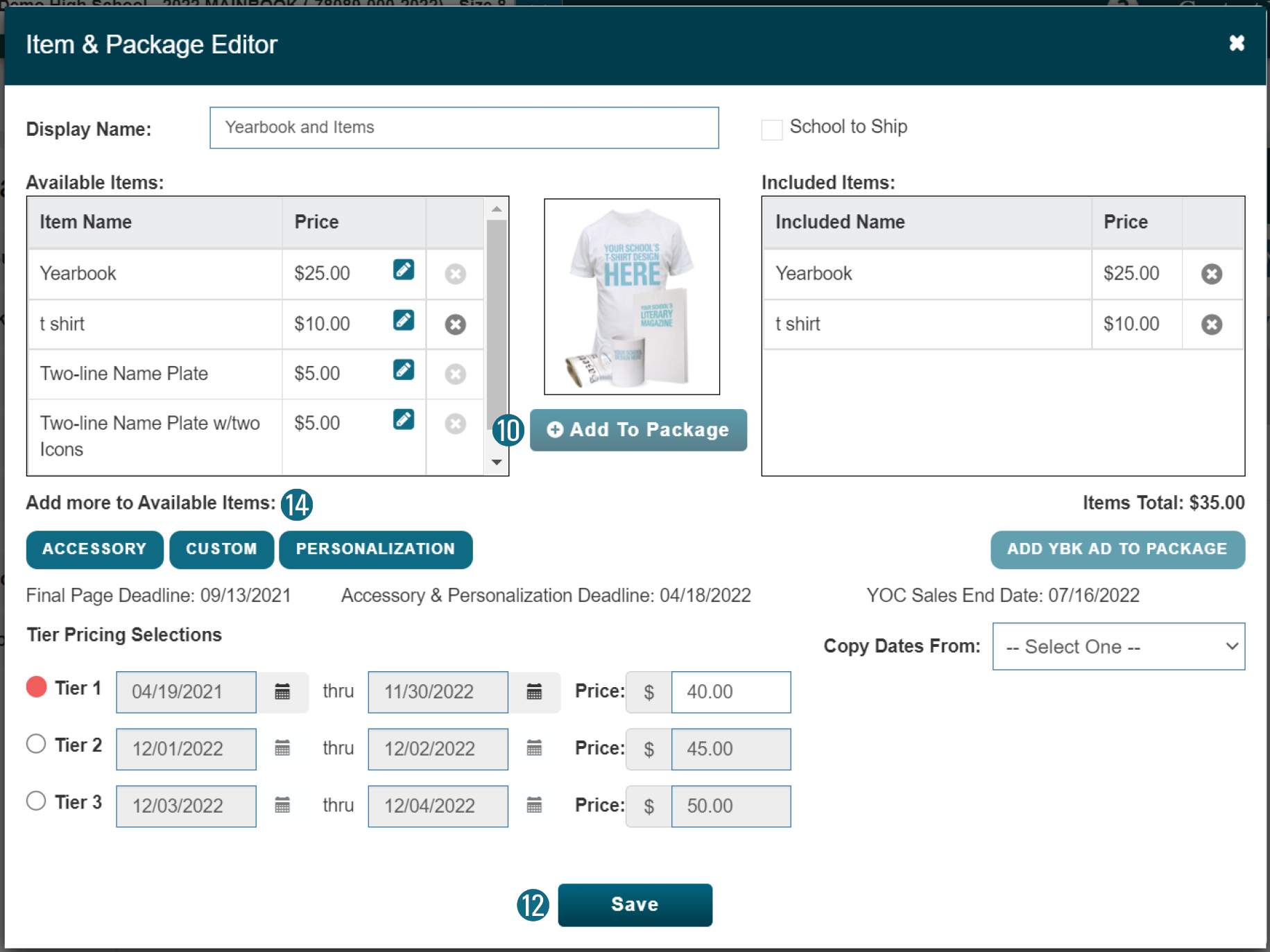
7. Click the New button.
8. Enter the Display Name.
9. Select from the available items.
10. Click the Add to Package button.
11. Edit necessary price/date parameters.
12. Click the Save button.
To Create Available Items
13. While in the Items & Package Editor.
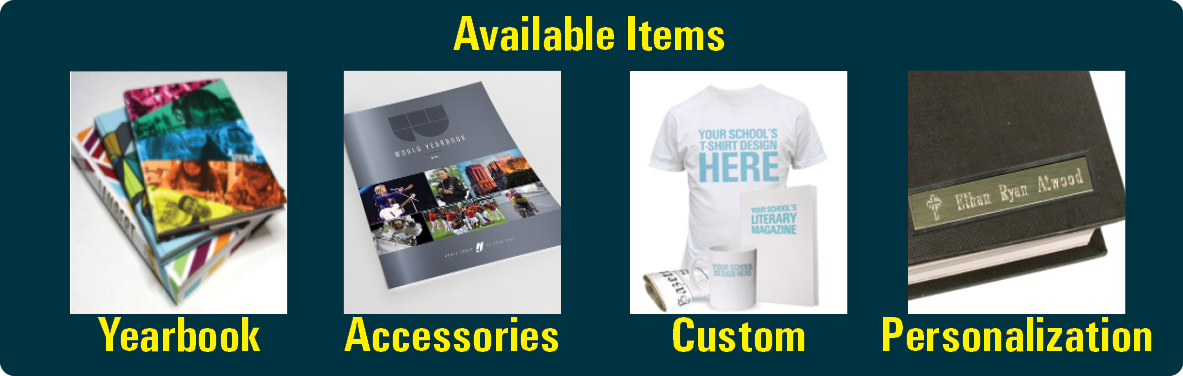
14. Select from Accessory, Custom, or Personalization.
15. Select the desired item from the Item drop-down list.
16. Set the Suggested Price.
17. Click the Add button.