
Watch a quick video tutorial!
 Accessing eBusiness eBusiness is accessed through www.myhjyearbook.com |
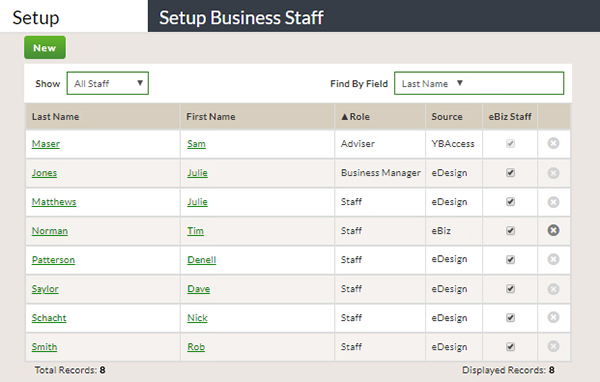 Staff Setup Create new staff members and give existing staff members access to eBusiness. |
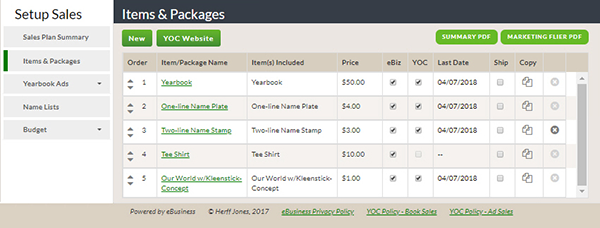 Sales Items and Packages Create items and packages for selling in eBusiness and through the Yearbook Order Center. |
|||||||||||||||||||||||||||||||||||||||||||||||||||||||||||||||||||||||||||||||||||||||||||||||||||||||||||||||||||||||||||||||||||||||||||||||||||||||||||||||||||||||
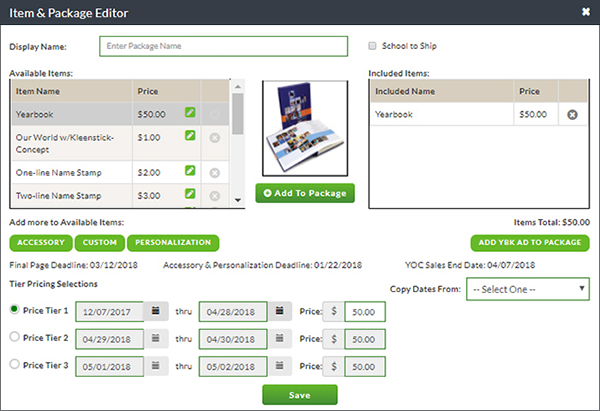 Setting Up Tiered Pricing Creating automatic price increases for items, packages, and ads. |
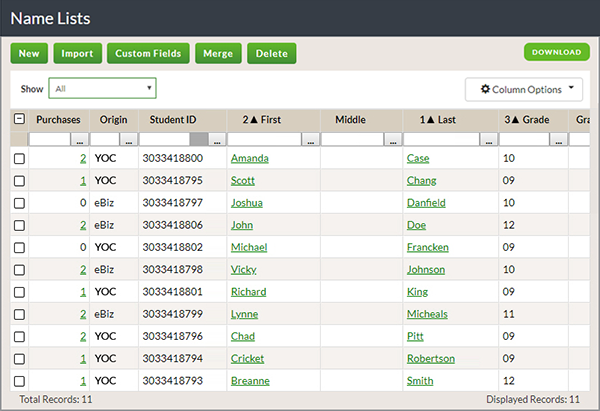 Importing a Name List Add your student data by importing a name list. |
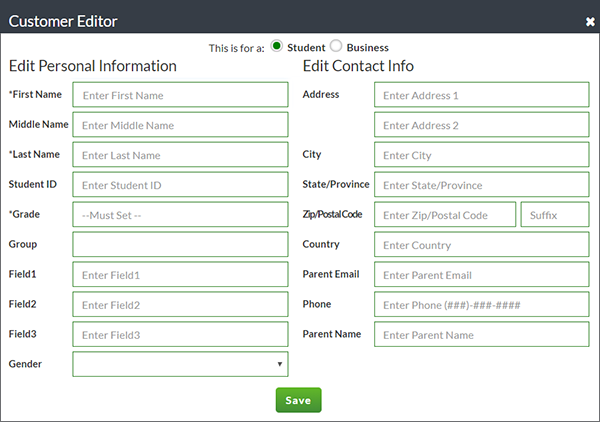 Add New Names Add additional names to the imported name list. These can include student, staff, and business names. |
|||||||||||||||||||||||||||||||||||||||||||||||||||||||||||||||||||||||||||||||||||||||||||||||||||||||||||||||||||||||||||||||||||||||||||||||||||||||||||||||||||||||
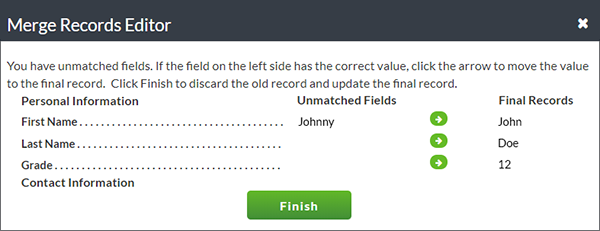 Merge Names Merge duplicate records without losing data. |
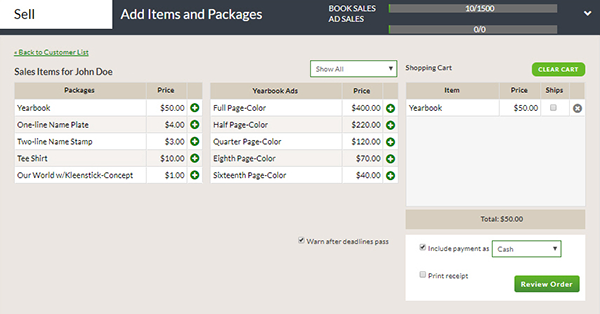 Recording Book and Ad Sales Record yearbook and ad sales, enter payments, and print receipts. |
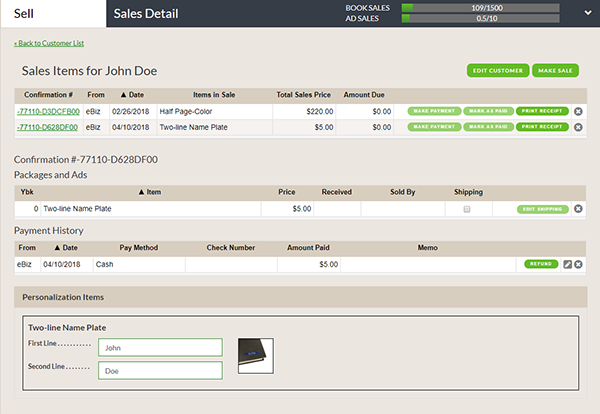 Recording Personalizations Change the way personalization will appear on a cover. |
|||||||||||||||||||||||||||||||||||||||||||||||||||||||||||||||||||||||||||||||||||||||||||||||||||||||||||||||||||||||||||||||||||||||||||||||||||||||||||||||||||||||
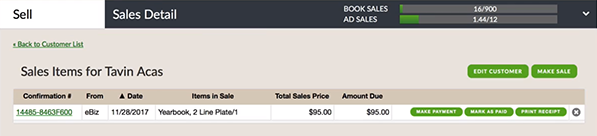 View and Edit Record Make changes to a student or business record. This may include changing a name to a preferred name or adding an address. |
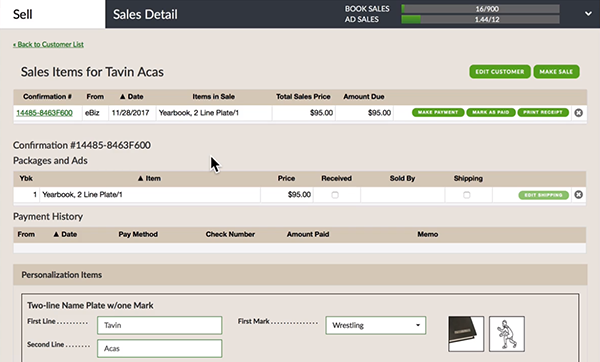 View and Edit Sales Edit sale information such as making payments and adding check numbers. |
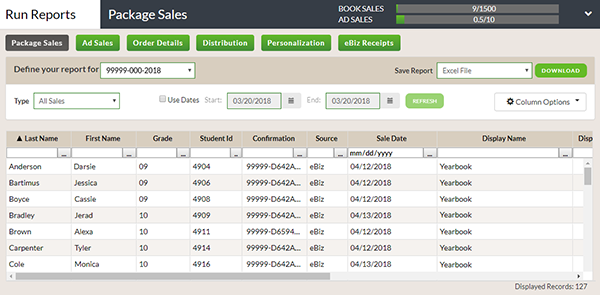 Reports Overview An overview of Item Sales, Ad Sales, and Order Totals reports. |
|||||||||||||||||||||||||||||||||||||||||||||||||||||||||||||||||||||||||||||||||||||||||||||||||||||||||||||||||||||||||||||||||||||||||||||||||||||||||||||||||||||||
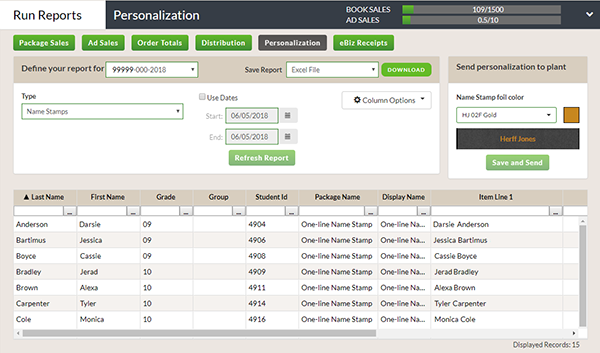 Review and Submit Personalizations Tracking and submitting sales of Personalization items such as name plates and name stamps. |
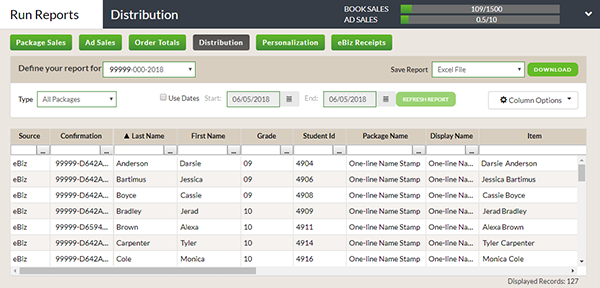 Tracking Yearbook Distribution Use Distribution reports to track sales. |
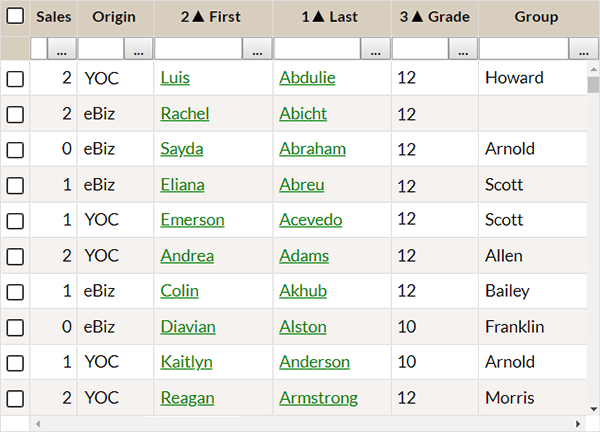 Sort and Filter Data Modify columns to reflect your needs. |
|||||||||||||||||||||||||||||||||||||||||||||||||||||||||||||||||||||||||||||||||||||||||||||||||||||||||||||||||||||||||||||||||||||||||||||||||||||||||||||||||||||||